
Xplain
Visual Summaries
Any content.
One beautiful infographic.
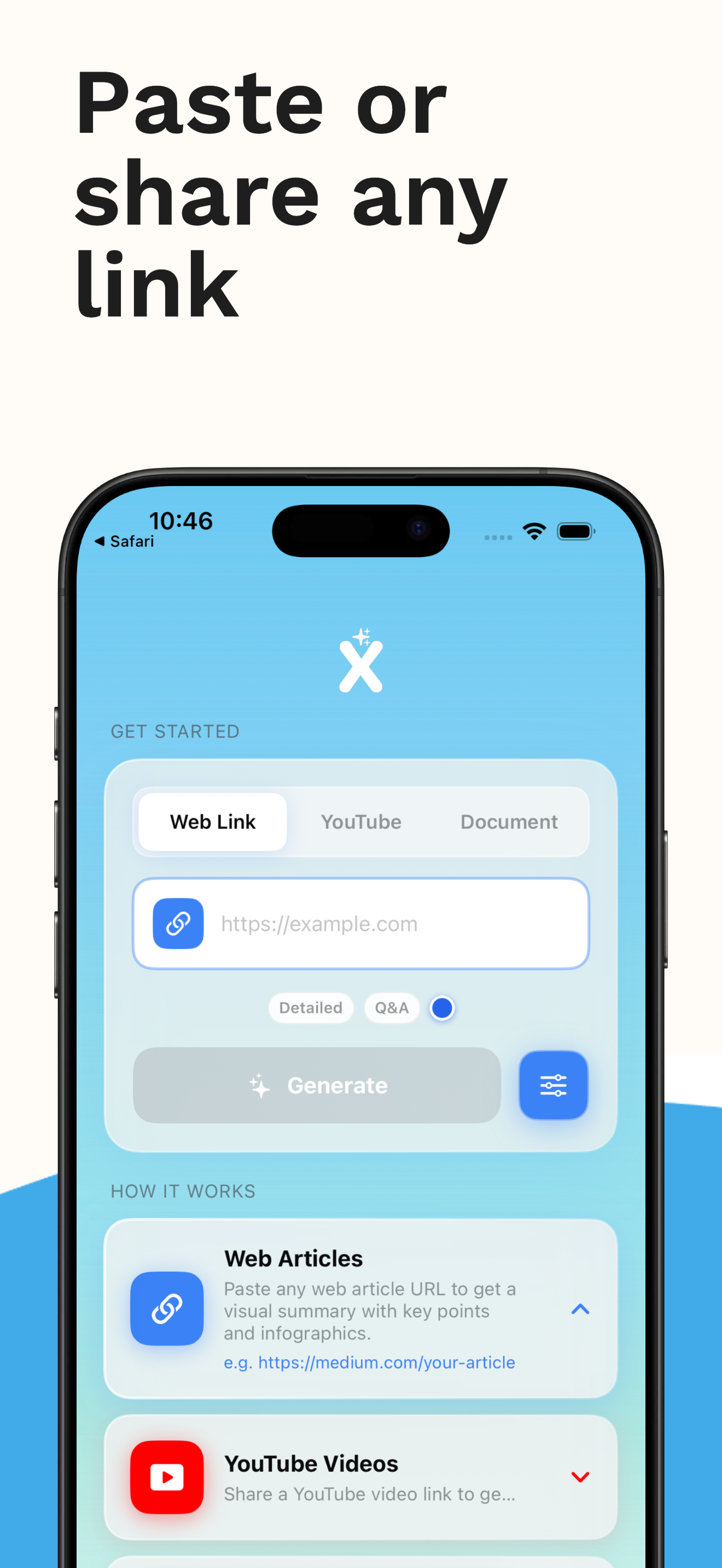
Paste a link, share a video, or upload a document. Xplain uses AI to create a unique visual summary you'll actually enjoy reading.
iOS 17+ required. Free tier included.
How it works
Three steps to clarity
Share any content
Paste a web article URL, YouTube link, or upload a PDF. You can also share directly from Safari or any other app using the iOS share sheet.
AI builds your infographic
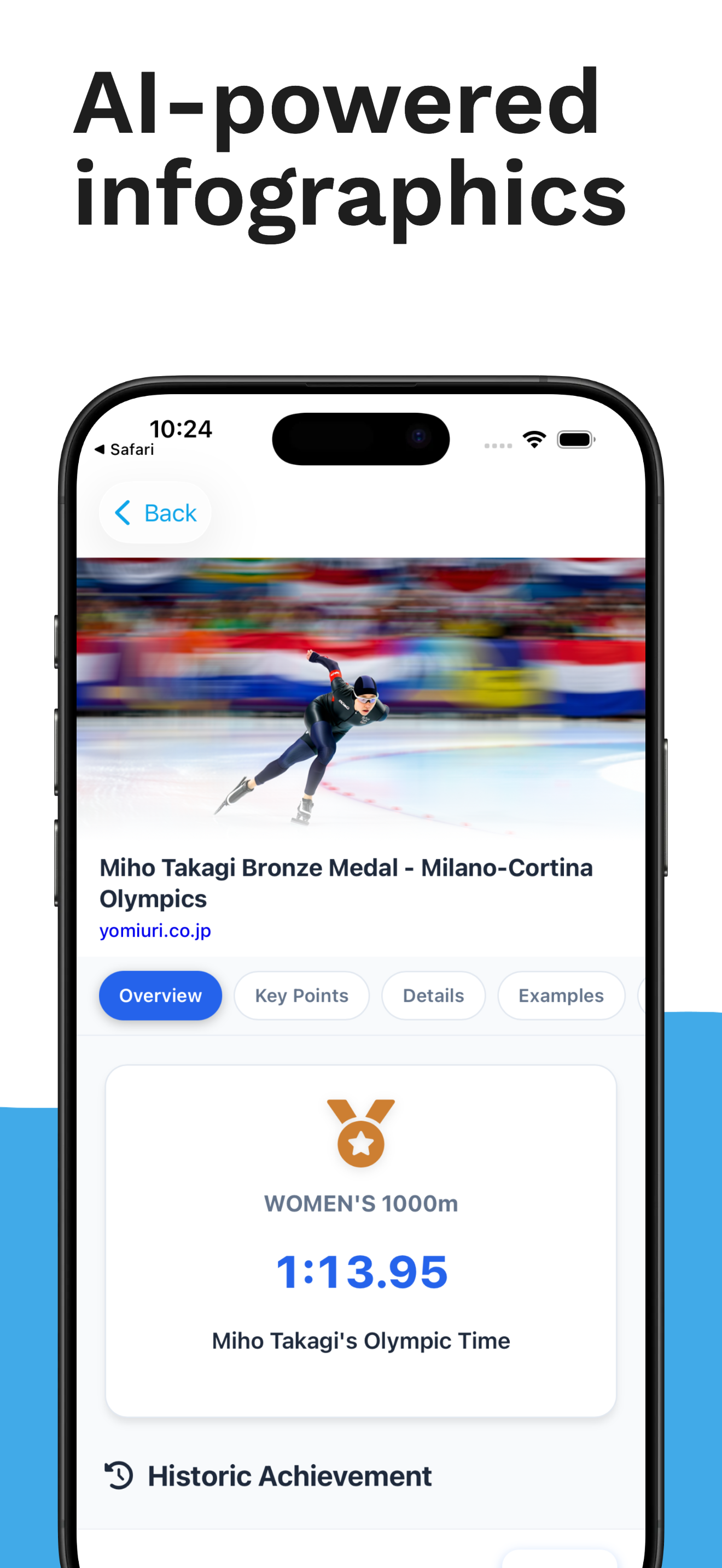
Xplain reads and understands the content, then designs a completely unique visual infographic — different layout, colours, and icons every time. Choose from 6 themes and 21 languages.
Read, quiz, and save
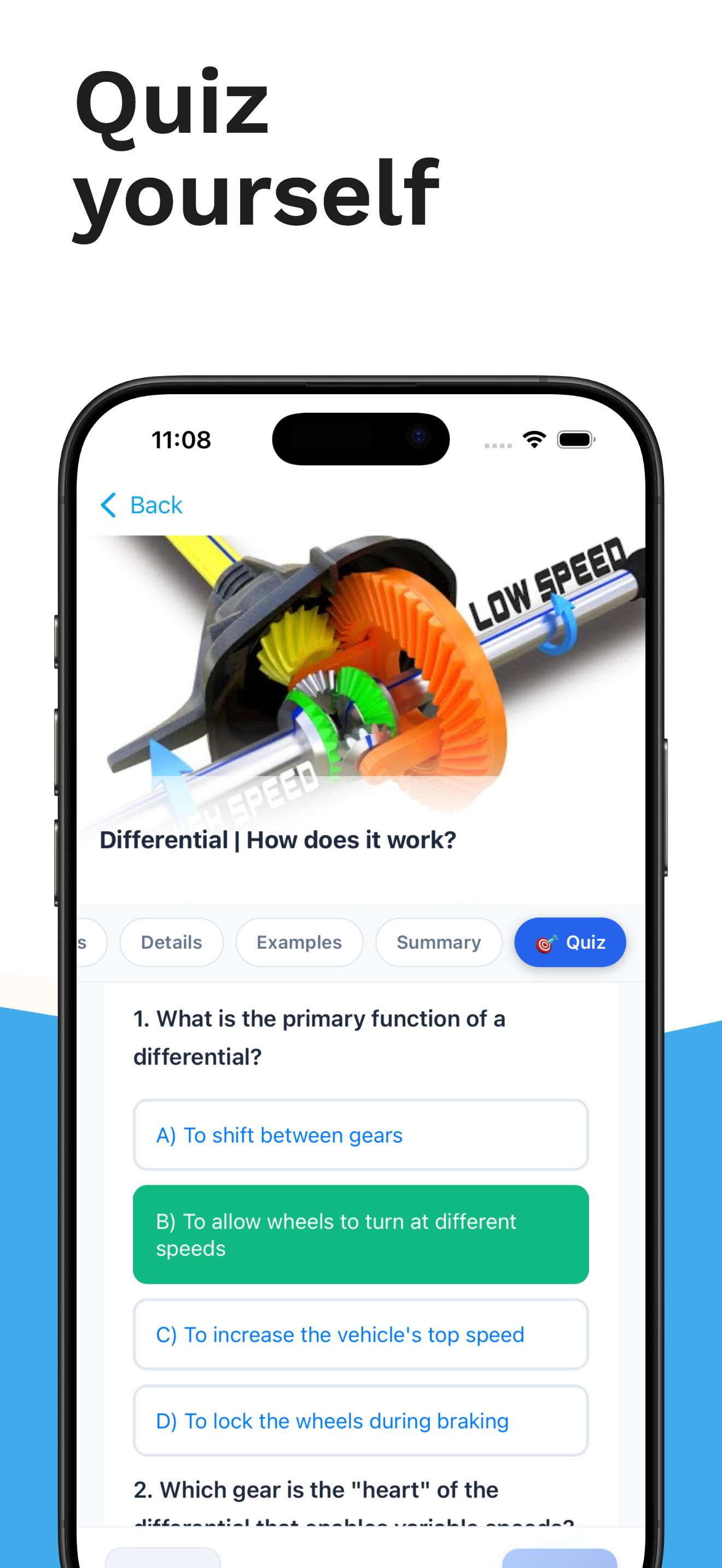
Enjoy your visual summary, then test your understanding with the built-in AI quiz. All your summaries are saved to your library and synced across devices.
Features
Everything you need to learn faster
Unique AI Layouts
Every infographic has a completely different design. No templates.
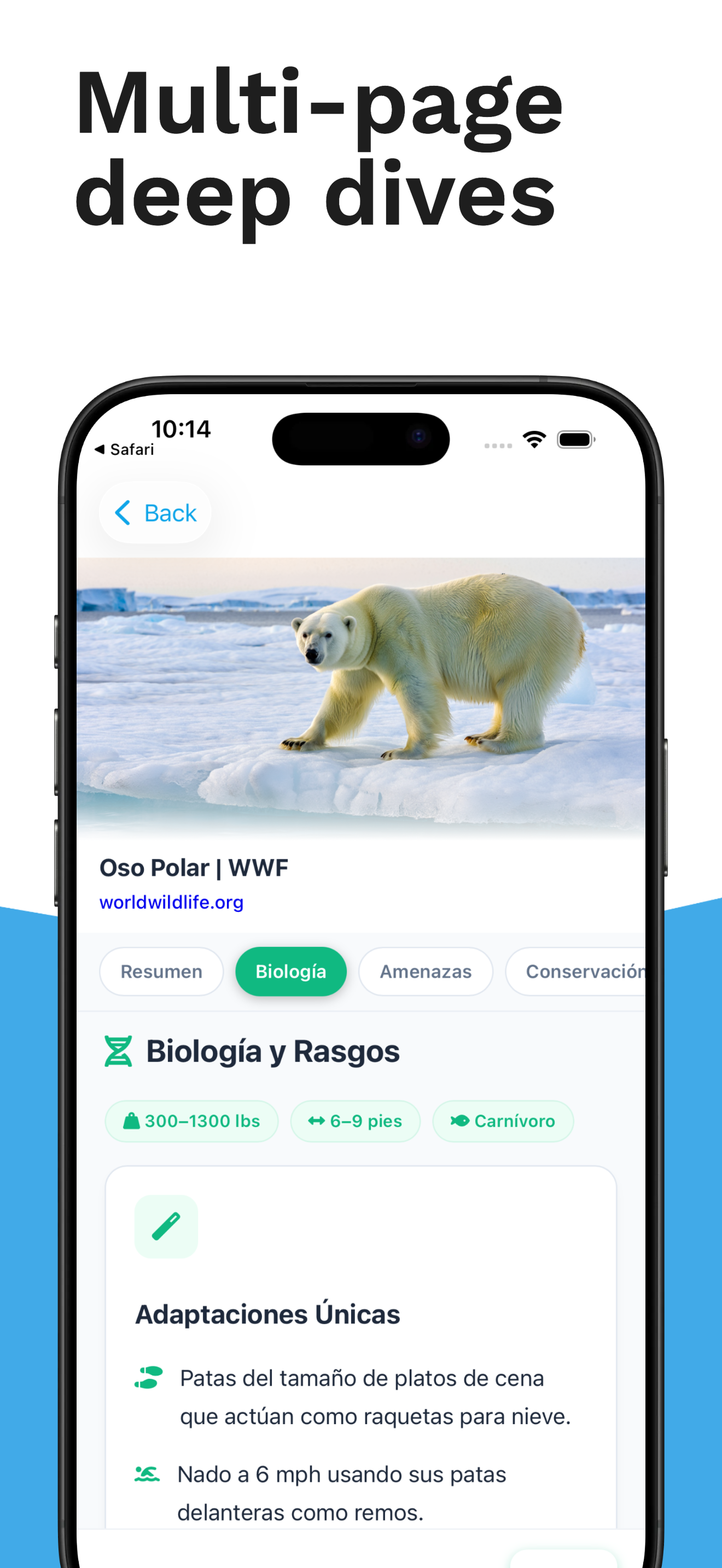
Multi-Page Detailed Mode
In-depth breakdowns with table of contents and smooth navigation.
Built-in Quiz Mode
Test your understanding with AI-generated questions.
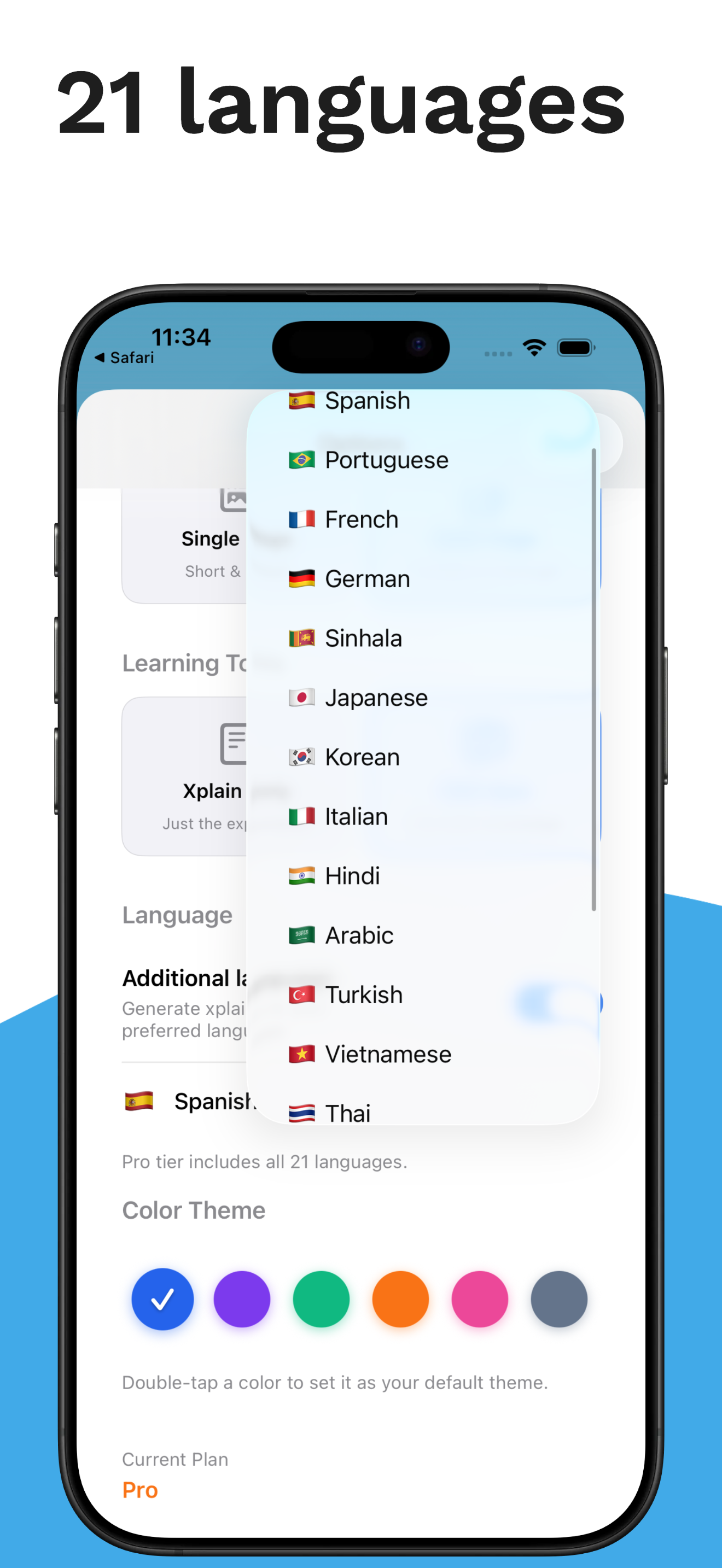
21 Languages
English, Spanish, Japanese, Arabic, Hindi, and 16 more. Bilingual mode too.
Articles, Videos & PDFs
Works with any web content, YouTube videos, or uploaded documents.
AI Hero Images
Pro tier generates matching hero images for each summary.
Pricing
Free to start
Get started with 5 free summaries. Upgrade to Pro for unlimited access.
Free
No credit card required
- 5 visual summaries
- All 21 languages
- 6 colour themes
Pro
Unlimited summaries
- Unlimited summaries
- Multi-page detailed mode
- AI hero images & quiz mode
- Cloud sync across devices
Ready to read smarter?
Download Xplain and turn your next article into something beautiful.
Download on App Store